
Softaculous is a tool that ease the maintenance of installed CMS solutions (such as Wordpress, Joomla and Drupal. This tutorial describes how to use Softaculous to get access to your CMS solution in the event that you forgot your password.
1) Log on http://your-domain.dk:8080
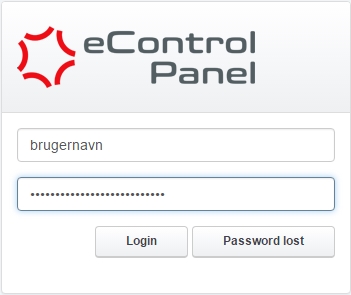
2) Click on the Tools tab at the top of eControlPanel.

3) Click on Softaculous under Auto Installer.

If the field "Softaculous" is not shown under "Tools" as described above then please reach out to our support team here.
4) Check that the correct domain is selected in the upper right drop down menu and click it to change domain if needed.

5) Click on the Overview button under the desired CMS
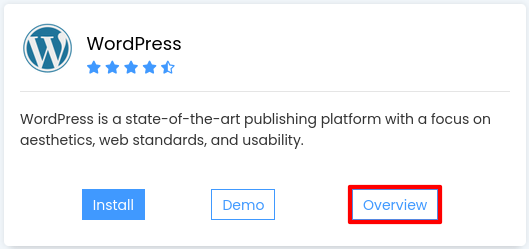
6) Scroll down to Current installations and click on the icon of a person under Admin

If you can't find the above field you need to import the CMS solution as described here: this tutorial.
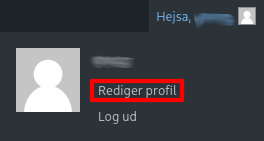
7) If you use WordPress then click on Hello, [username] in the upper right corner and then Edit profile
8) Scroll down to Account Management and click on Generate password. WordPress will then suggest a new password.
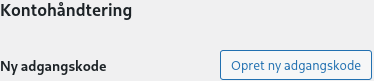
You can edit the suggestion if you want to use a custom password but remember to use a secure password not used anywhere else.
9) Scroll down to the bottom and click Edit Profile to save the changes.


