
This tutorial describes how to find an EPP code for a domain that you have with us.
If you instead want to move a domain to us, you can get an EPP code through your old domain provider.
1. Go to the client area and click on the Domains menu - click here to go directly to the page.
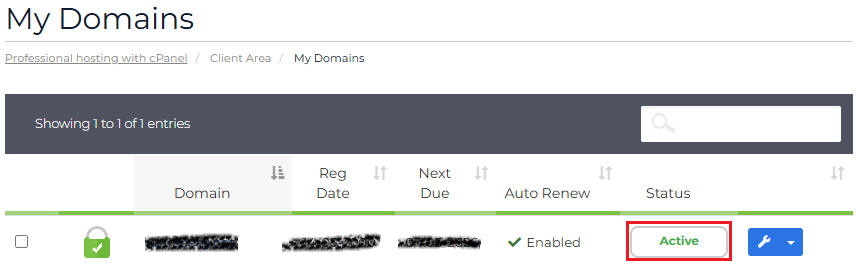
2. From the domain overview, click on the Status of the domain
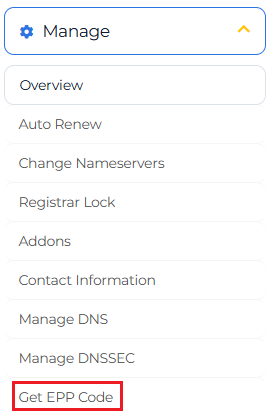
3. From the domain details page click on Get EPP Code.
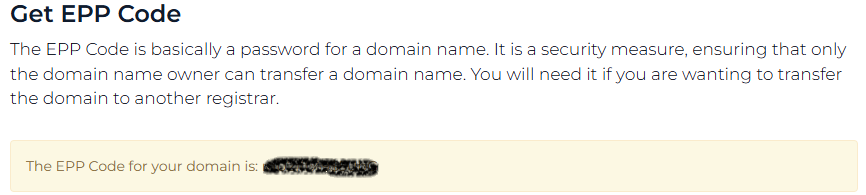
4. The EPP code for the domain name is now shown.
Please note that complementary products such as web hosting solutions must be cancelled separately as described here.


