
We refer to your-domain.dk in this guide.
It is to be replaced by your own domain name, when following the guide.
Start your browser and enter the following in the address bar: http://mail.your-domain.dk:8080. (replace your-domain.dk with your own domain name.)
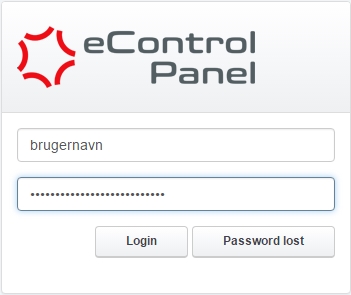
Insert the administrative username and password you received, when the webhotel was created.
Select the tab Email -> Email Mailbox then just click on the email account in the list and you'll be able to change the password.


