
Wordpress and other CMS solutions, such as Joomla, can be installed through the eControlPanel. The pictures below shows how to do this based on Wordpress.
1) Log on http://your-domain.dk:8080
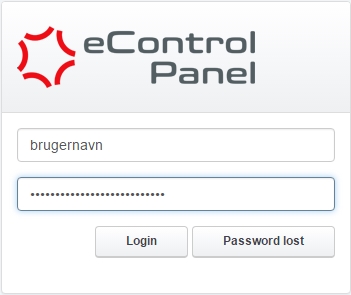
2) Click on the Tools tab at the top of eControlPanel.

3) Click on Softaculous under Auto Installer.

If the field "Softaculous" is not shown under "Tools" as described above then please reach out to our support team here.
4) Check that the correct domain is selected in the upper right drop down menu and click it to change domain if needed.

5) Click on the Install button under the desired CMS.

6) If you get the error message below you need to setup a SSL certificate on the domain in question. This improves the security for the visitors and can be installed for free as described here.

7) Specify a title for the website and a suiting subtitle.

8) Specify an email address for the site administrator/webmaster

9) If desired select another language than English but clicking the drop down labeled English.

In addition you can select desired plugins and themes to be initially installed. They can also be added after the installation.
10) Scroll down to the bottom and click the Install button to begin the installation.


