
To change PHP version for your website, you should log in to your eControlPanel.
Then you click the Sites pane and click your domain name in the list.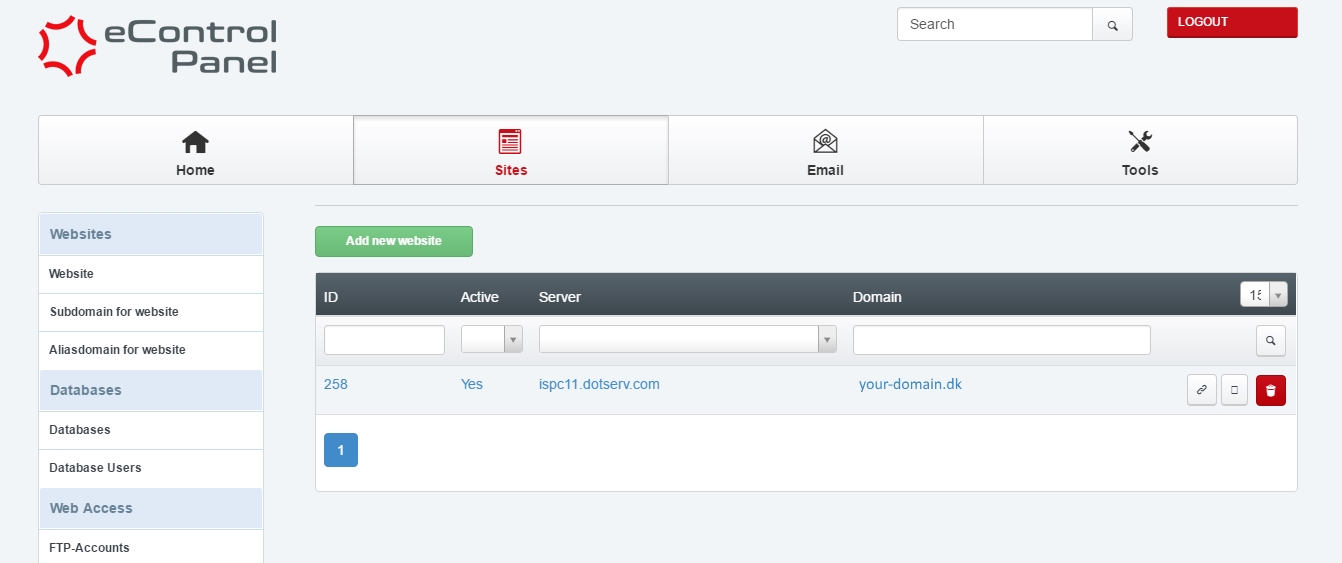
Then you'll need to scroll down and find/set the type of PHP to PHP-FPM which enables the option PHP Version - this is where you can set your preferred version of PHP.
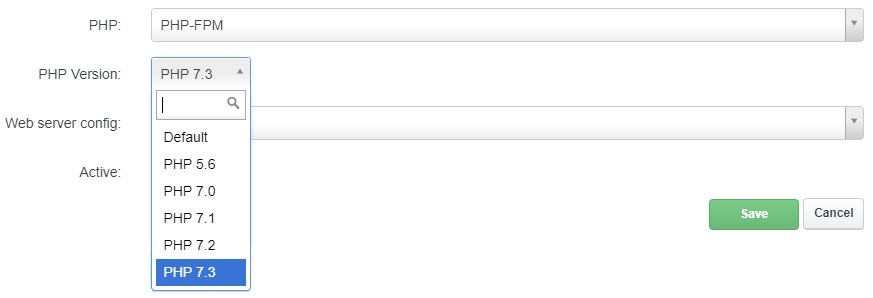
Now click Save and the chosen PHP version will be available shortly after, when the control panel has processed the request.


