
NOTE: FrontPage and SharePoint Designer 2007 are old programs, which is why we advise against designing new websites using these applications. Instead, we recommend CMS systems such as WordPress that can be installed directly via the control panel.
If you wish to edit websites in FrontPage or SharePoint Designer 2007, this can be done via FTP as described in this tutorial.
1. Go to Files -> Open Site...

2.Type ftp://your-domain.dk/web
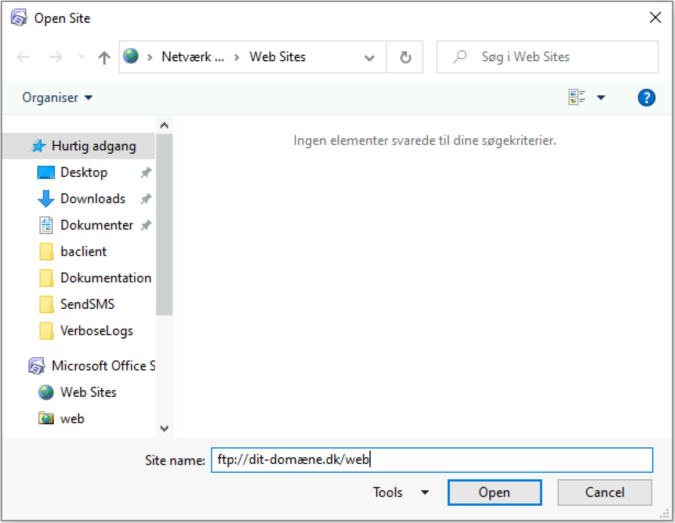
Note: "your-domain.dk" should be replaced by your own domain name.
3. Enter FTP login details

4. You will now be asked if you want to edit the website directly, so changes are published when saved (top option) or if you would like to edit the website locally and publish the changes later (bottom option). We recommend the top option.

5. You are now shown a list of your files on your website and can edit any you wish by double-clicking on them.


